5 Great Books Every Advertising Salesperson Must Read (Or Re-read) in 2017

We work in the persuasion industry. As advertising sellers, first we must persuade a prospect to meet with us… and then consider our proposal… and then buy. Then we must design a campaign that persuades our client’s prospects to take action.

Here are five books that will help you develop the sales skills to persuade… and sell.
5 Great Advertising, Marketing and Sales Books

The Accidental Salesperson by Chris Lytle: I read the original version of this book more than a decade ago. It was early in my selling career. I was looking for anything that could teach me the sales skills I needed.  This book taught me enormous amount. When the new edition came out, I took it out of the library — being a cheapskate, I didn’t feel like paying for it a second time. Two chapters in, I returned the library copy and bought my own. I wanted to read it and highlight the hell out if it. For example, this:

If you work on straight commission, you prospect for free. You do a customer needs analysis for free. You do the research for free. Then you write the proposal for free… At least you don’t have to pay to make your presentation to the prospect.

What if you did have to pay to make your presentation? You obviously would put more time and thought into it. You probably would even rehearse it a few times…”

I’ve gone from being a salesperson to a combination salesperson/sales trainer role.  I have read that passage repeatedly to groups of radio and television advertising sellers all over the country. It gets through.

Slow Down, Sell Faster! by Kevin Davis: This is one of the rare sales skills books that has actually given me a new perspective on the process of selling. The author’s contention is that we spend so much time focusing on our needs and our timetable that we forget what’s important to the client. He sums it up this way:”Every sales leader wants fast sales; the trouble is, there aren’t many fast buyers…They are unlikely to change their buying process to match your selling process, so your only option is to be the one who switches.”

Influence: The Science of Persuasion by Robert B. Cialdini A classic in the field — enough science to demonstrate that the author knows what he’s talking about, but accessibly written for salespeople (like yours truly) who didn’t pay attention in science class. Cialdini, who holds professorships in Marketing and Psychology at Arizona State University. The principles he teaches in this book will help you do a better job convincing clients to buy, and can also help make you a better marketer and copywriter.

Advertising Headlines That Make You Rich by David Garfinkel: Although this book is aimed at those who sell with the written word — direct mail, print publications, and web pages — the techniques can help marketers in any medium. However your prospects see or hears your sales message, you have a very short window in which to convince them to pay attention. The headline in a print ad, or the opening five seconds of a radio or TV commercial, will cause your target to either pay attention to the rest of the message or tune you out. Garfinkel gives you a series of headline templates that have worked for selling a wide range of products and services, discusses why each one has been effective, and lists several variations on each headlines. When I’ve hit a wall while writing copy, I’ve gone to this book to help get unstuck.

Dan O’Day’s Guaranteed 5-Step System For Creating 30-Second Radio Commercials That Get Results: Another good cure for (copy)writer’s block, and an excellent companion to the Garfinkel book. I bought this when I was working in radio; now that my primary platforms are television and digital, I still use it regularly. Like Garfinkel, O’Day teaches a headline-based approach to designing a campaign. Besides the headlines, the true benefit of O’Day’s system is in the exercise of settling on a Unique Selling Proposition before starting the script. It’s not a long book, but it’s a powerful one.

[reminder]What’s the best advertising, marketing, or sales book you’ve read in the past 12 months?[/reminder]


“Anti-Social” Web Blocking Software: Tech Tool Tuesday For Salespeople

Is the Internet a giant time suck for you? From a time management perspective, the Internet may simultaneously be the best tool and the the worst thief of time ever invented.

On the good side, you can find out information in minutes that would have taken hours, days, or weeks to uncover in the pre-online days.

On the other side of the coin, you can go to a television station website for purely business reasons…

  • …notice a link for “10 Startlingly Dangerous Cars”…
  • …read about dangerous cars…
  • …click on another link for ”Ten Screen Characters You Never Realized Were Based on Real People”…
  • read that article…

Before you know it, you’re watching a video of the monkey riding a motorscooter, 90 minutes has gone by and you have accomplished nothing. This exact scenario happened to, um, someone I know a while back.

For most salespeople, this is the deal: if it shows up in our peripheral vision and it’s cute, we’ll chase it.

salespeople chase squirrels
magnus* via Compfight cc

Luckily, there are companies who recognize that people like me represent a terrific market. Those companies make web blocking software – programs that can block specific websites, or sometimes online access entirely. I use two of them, both sold by 80Pct Solutions, and available for Mac and Windows:

Anti-Social is very useful when you need some web access to get work done, but you need to stay the heck away from rabbit holes. You choose the specific websites you want to block, (I’ve got nearly 20 sites on my list), and how long you want to block them – anywhere from 15 minutes to an entire day. Once you start the program, you can’t turn it off. At this writing it costs $15, and it saves me hours every day.

Here’s a quick video of how I use Anti-Social to block websites.

The same company offers Freedom. Freedom represents “the nuclear option” — the idea is that once you engage it, you cannot get online for anything. No websites, no email. You are completely blocked off. You choose the amount of time you need to be cut off from the outside world, and that’s it.

Unfortunately, at the time of this writing Freedom is not working properly. I have it on two different computers, and in both cases some websites — including Facebook — are accessible even with the software engaged. I have reached out to the company’s tech support department, and will update this post if and when I hear back.

What about mobile devices? To the best of my knowledge, there is no web blocking software that works on iPhones or iPads — the IOS operating system will not allow it. I don’t have any firsthand knowledge about Android — Android users, please enlighten us by leaving a comment below.

My solution to this is decidedly low-tech: my office is on the second floor, and when I need to get work done I stash my phone and tablet in the basement.

[reminder]What tools do you use to minimize distractions when you HAVE to get your work done?[/reminder]

Voice Mail Messages: Do You Still Listen?

Do you still leave messages when you get someone’s voice mail? When someone leaves you a message, do you listen to it before you call back?

[Note: there’s a quick one-question survey at the bottom of this post. As long as you’ve come this far, please take a moment to fill it out so that your voice can be heard.]

My answer to both questions has always been yes — and I have always expected people to listen to my messages.

A few years ago I began to encounter a few people who just called me back to ask what I wanted. With some irritation, I’d ask if they’d listened to the message I left, and learn that they hadn’t. Continue reading

PhraseExpander Text Expansion: Text Tool Tuesday for Salespeople

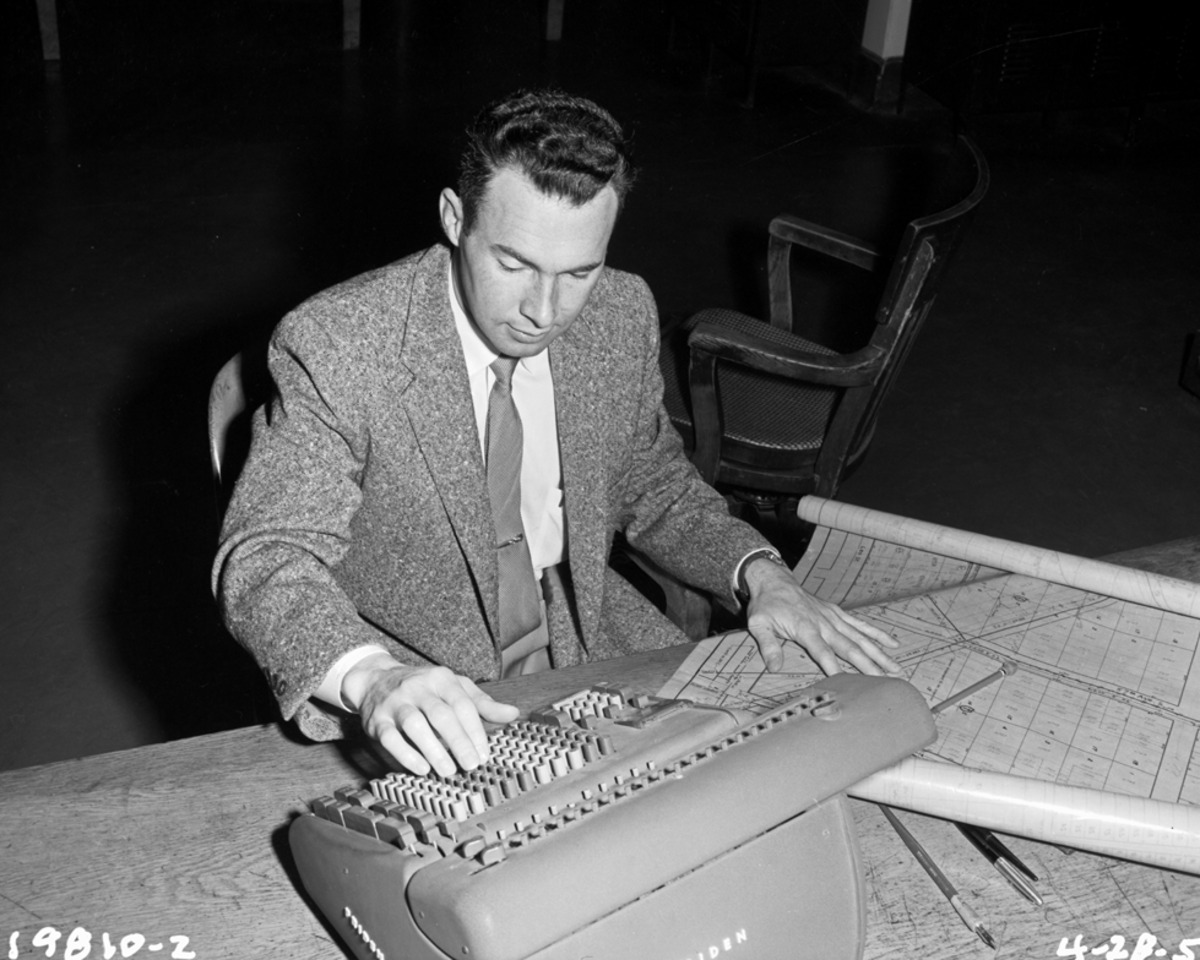
Typing the same things over and over is inefficient, time-consuming, and incredibly boring. In my consulting and training work, it’s part of the job.

If it’s part of yours, there’s a solution.

Photo Credit: Seattle Municipal Archives via Compfight cc

A while back, I learned about text expansion programs — software that automates repetitive typing tasks. Basically, you establish an abbreviation for a sentence or paragraph, and the software makes your computer type the whole thing. For example, you can set a shortcut so that typing “lq” makes your laptop write “Let me know if you have any questions.”

Of course, the first thing I did when I learned about text expanders was to look for a free one. For a couple of years, I used PhraseExpress, which is free for personal use. It worked reasonably well, but had two quirks that significantly reduced the benefit I got from using it:

  1. PhraseExpress didn’t always work consistently. I would find myself typing “lq”, deleting it, and re-typing it two or three times before “Let me know if you have any questions” finally appeared.

  2. It sometimes stopped working entirely, forcing me to close the program and re-open it.

A time-saving program that adds nearly as much time to a task as it saves is, at best, a mixed blessing. Even if it’s free. I was open to another answer.

Although it’s early in my ownership experience — I may have found one. Earlier this month, Andrea Nagar of Nagarsoft sent me a review copy of his program PhraseExpander. I’ve been using the Professional version for about two weeks, and while I’m still learning the ins and outs of the program, I’m very impressed with what it can do.

Like any good text expander, PhraseExpander allows you to use abbreviations for words or phrases — everything from short passages to multi-paragraph emails. You can establish “fill in the blanks” templates;  abbreviations can also be used to open web pages and launch programs such as PowerPoint and Excel.

Here’s a quick screencast showing some of the ways I use the program. All abbreviations were established by me.

Direct link to video: https://www.youtube.com/watch?v=Q6jgXeQGiM4

All of your abbreviations are kept in a database that PhraseExpander calls “glossaries”. A particularly nice feature of the Pro version is the ability to share glossaries among computers. If you install PhraseExpander on more than one computer (I have it on my “road” laptop, my “home” laptop, and a desktop), you only have to establish your abbreviations once — everything syncs in the cloud.

If there’s a downside,  it’s the price — PhraseExpander is most emphatically not free. At $59 for the Standard version and $149 for Professional, it’s on the spendy side. There are cheaper text expanders out there, and free ones.

Only you can decide if you want to spend the dough. If you spend it, you’ll do it for the same reason that people pay a premium for an iPad: it’s worth it to get something that does exactly what you want. PhraseExpander just works.

Although there’s a bit of a learning curve to start, the program makes it easy to add and eliminate abbreviations quickly. The ability to sync between computers (in Professional) is a huge help to anyone running multiple machines.

In two weeks of heavy use, I’ve found PhraseExpander to be an extremely reliable, powerful tool — a huge improvement over the free competition. PhraseExpander will cost you some money; in return it will save you a ton of time and hassle.

Isn’t that what money’s for?

[reminder]What’s your favorite time-saving tech tool?[/reminder]

The Biggest Myth About Your Sales Prospects

It’s this, usually delivered by a boss who means well: “Everyone you talk to is a potential customer!”

Those of us who are responsible for generating new business are constantly looking for opportunities. All sales opportunities are not created equal.

Photo Credit: Dain Sandoval via Compfight cc

The late Jeffrey Mayer, whom I hired as my sales coach a decade ago, taught me that sales is a business of disqualification. He insisted that the most successful salespeople eliminated the vast majority of the prospects they ran into, and only paid attention to the ones who fit specific criteria.

Mayer had a simple 3-part formula for disqualifying prospects:

  1. No Money = No Sale

  2. No Authority = No Sale

  3. No Need = No Sale

Too often, salespeople think — or are told by their managers — that “everyone can be your customer”. It’s simply not true.

  • Some clients can’t afford what you’re selling. Unless you are already independently wealthy, you want to work with people who are going to pay the bill.
  • Some people you meet with aren’t allowed to make purchasing decisions. You can deliver the best sales presentation in history, and all they’re going to do is spend a couple of minutes asking the boss if it’s okay. They can’t, and won’t, present your case nearly as well as you can.
  • Occasionally you run into someone who is already perfectly happy with things as they are. The easiest thing for them to do is whatever they’re already doing.

Everyone is not your customer. Figure out what criteria your clients need to meet to do business with you, and disqualify the people who don’t meet that criteria. Your time has value — don’t waste it on people who can’t buy, can’t pay, or aren’t interested.


[reminder]Have you ever spent months trying to sell a prospect, only to realize they were never going to buy no matter what you did?

When, and how, did you realize you were wasting your time? [/reminder]